ClipKunda Documentation
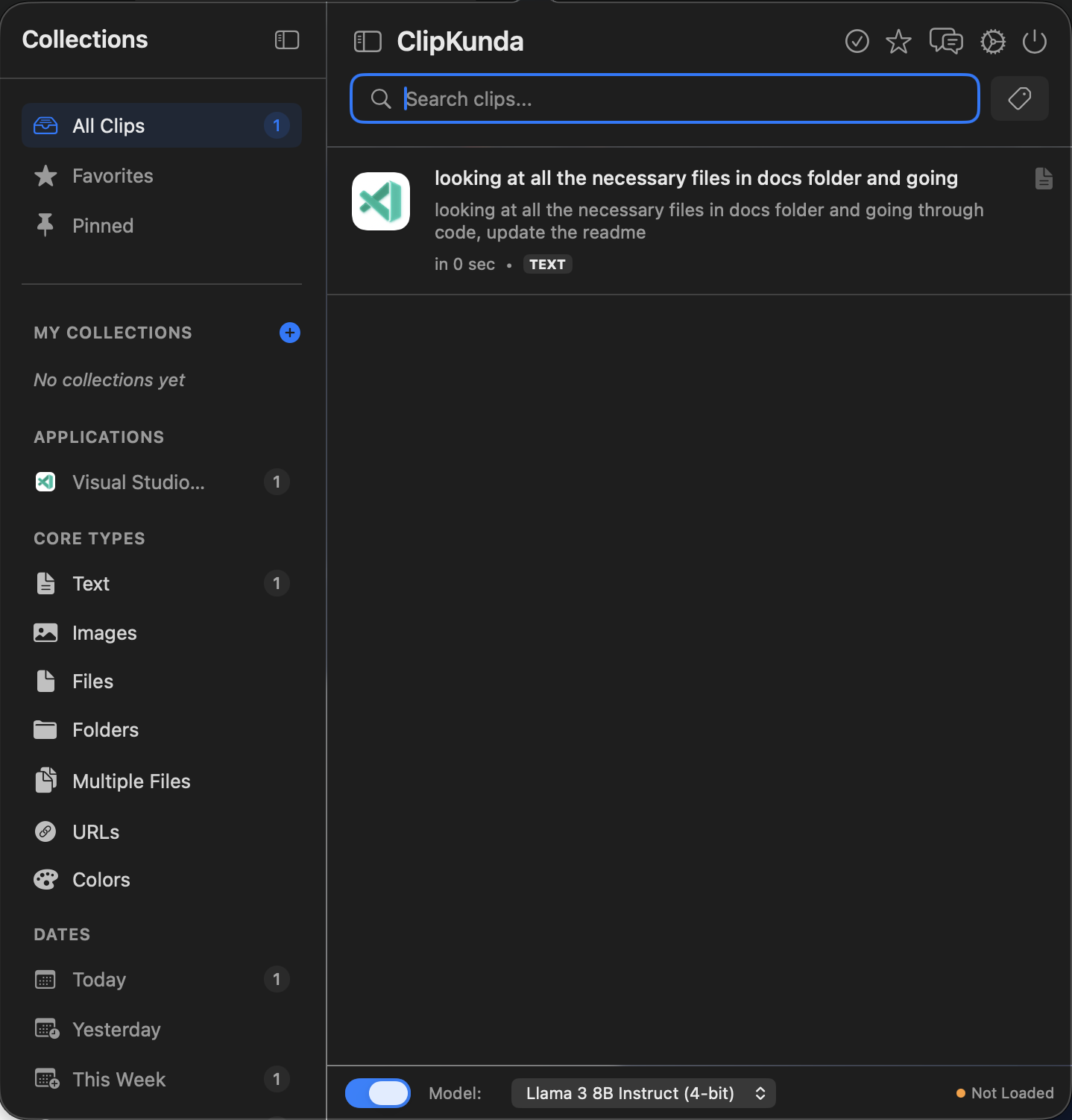
Welcome to the official documentation for ClipKunda, a powerful, privacy-first clipboard manager with on-device LLM intelligence.
OCR & Vision
Extract text from images instantly with high accuracy and multi-language support.
Color Studio
Advanced color detection, conversion, and palette extraction.
Smart Organization
AI tagging, powerful search, and intuitive categorization.
Local Intelligence
On-device LLM chat, rule automation, and privacy-first processing.
Key Highlights
- Privacy First: 100% local storage, no cloud sync, no tracking.
- On-Device AI: Powered by MLX for local LLM capabilities.
- Native Performance: Built with SwiftUI and SwiftData for macOS.
- Universal Clipboard: Handles text, images, code, colors, and files.
Quick Start
ClipKunda runs quietly in the background. Access it anytime using the global hotkey:
Cmd + Option + VStart copying content, and ClipKunda will automatically capture, organize, and enhance your clipboard history.