Automation & Local Intelligence
Rule Engine Automation
Create powerful workflows with the built-in rule engine.
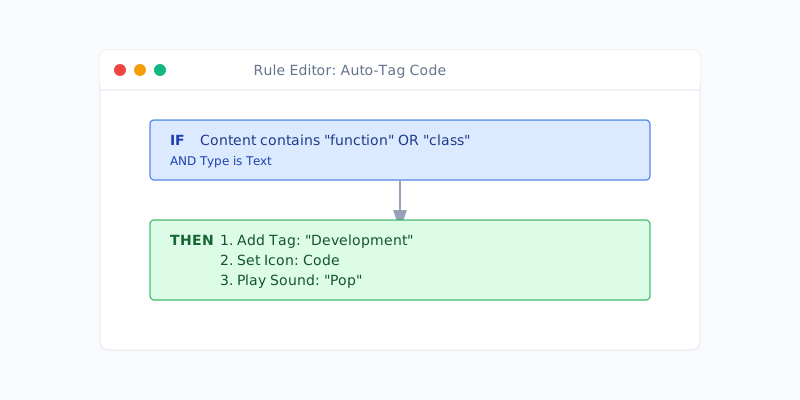
- Rule-based triggers: Evaluate every new clip against saved rules.
- Flexible conditions: Match on content text, detected formats, tags, or clip types.
- Multi-action pipelines: Auto-tag, favorite, pin, copy values, or run multiple actions in sequence.
- Local execution: Rules run on-device with no network calls.
- Debug logs: Console output shows rule evaluations for easy tuning.
AI Chat
Interact with your data using the on-device LLM.
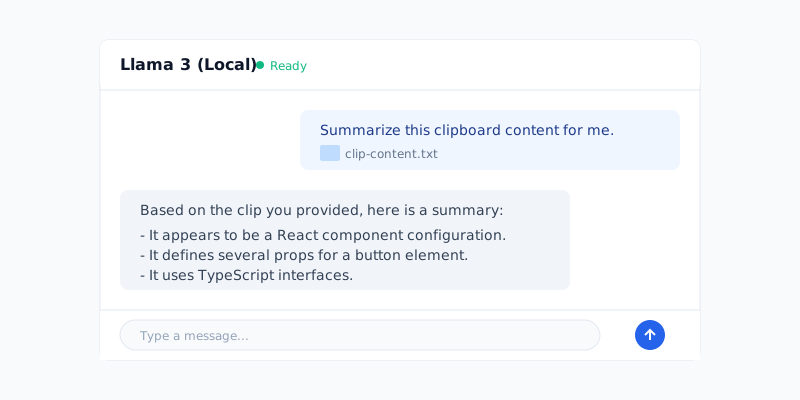
- Local chat experience: Conversational UI powered by the on-device LLM; no cloud API required.
- Threaded history: Saved conversations with editable titles and per-thread context.
- Clipboard aware: Send clips or summaries into chat for quick reasoning.
- Status-aware prompts: Inline status for loading models, disabled chat, or missing model selection.
- Safe controls: Disable send while the model is responding; clear and delete threads inline.
- Privacy: All processing happens locally on your machine.
MCP Server Integration
ClipKunda includes a built-in Model Context Protocol (MCP) HTTP server to expose its capabilities to external AI clients.
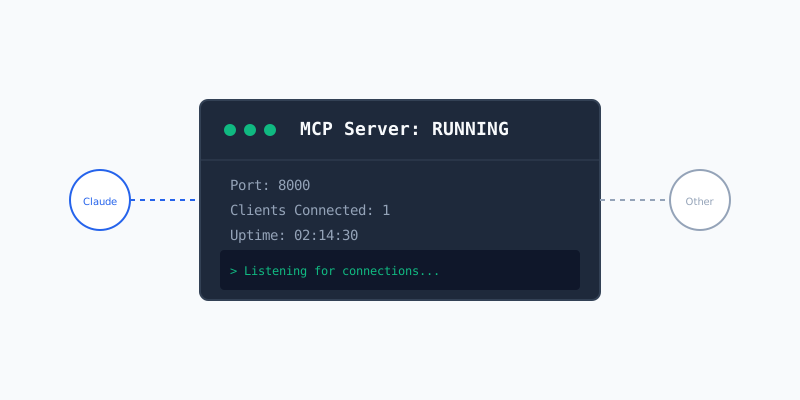
- Built-in HTTP server: Optional MCP HTTP server you can start from Settings.
- Client templates: One-click config exports for Claude Desktop, Codex Agent, and generic
.mcp.jsonclients. - Tool registry: Exposes ClipKunda tools and resources (clipboard history) to external AI clients.
- Streamable HTTP: Uses updated MCP spec (2025-03-26) with streaming support.
- Local control: Start/stop server from the app; logs port and status in the console.
Local Intelligence Settings
Manage your AI models and resources.
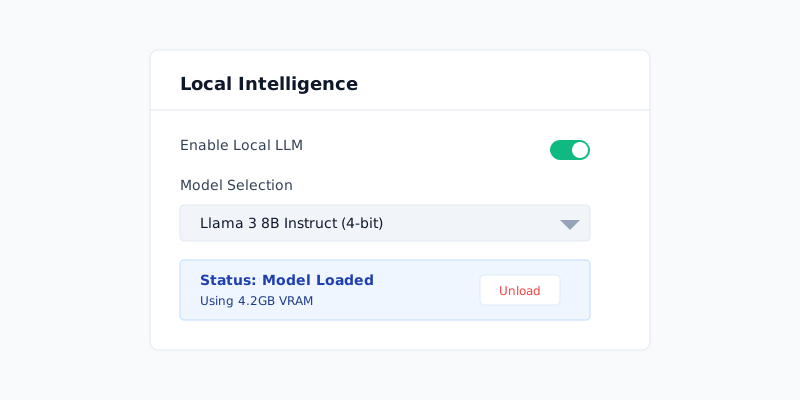
- Local LLM toggle: Turn MLX-powered metadata on/off.
- Model picker: Choose from built-in defaults:
- Llama 3 8B Instruct
- Mistral 7B Instruct v0.3
- Qwen 2.5 7B Instruct
- Download manager: Fetch models from Hugging Face directly within the app.
- Storage: Models are stored at
~/Library/Application Support/ClipKunda/Models/.