Color Detection & Management
Automatic Color Code Detection
ClipKunda automatically detects and recognizes multiple color formats from your clipboard content.
Supported Formats
- Hex colors:
- 3-digit:
#F00 - 6-digit:
#FF0000 - 8-digit with alpha:
#FF0000FF
- 3-digit:
- RGB/RGBA colors:
- Standard:
rgb(255, 0, 0) - With alpha:
rgba(255, 0, 0, 0.5)
- Standard:
- HSL/HSLA colors:
- Standard:
hsl(0, 100%, 50%) - With alpha:
hsla(0, 100%, 50%, 0.5)
- Standard:
Conversion & Copy Options
When a color code is detected, you get specialized tools:
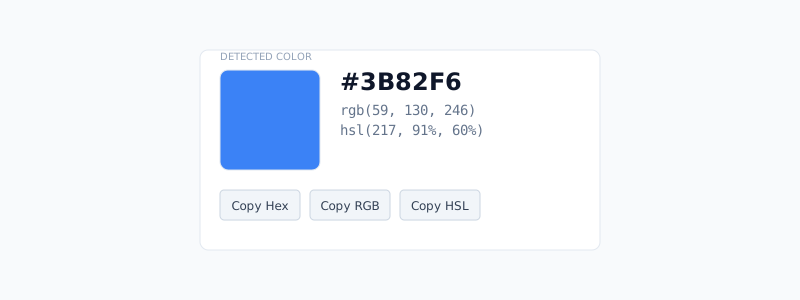
- Visual preview: Live color swatch display (120x120px in detail view).
- Multi-format conversion: Convert between Hex, RGB, and HSL instantly.
- Copy menu: Quick copy in any format.
- Alpha channel support: Correctly handles transparency values.
Color Palette Extraction
Advanced color analysis for images using machine learning.
How it works
- K-means clustering: Extracts dominant colors.
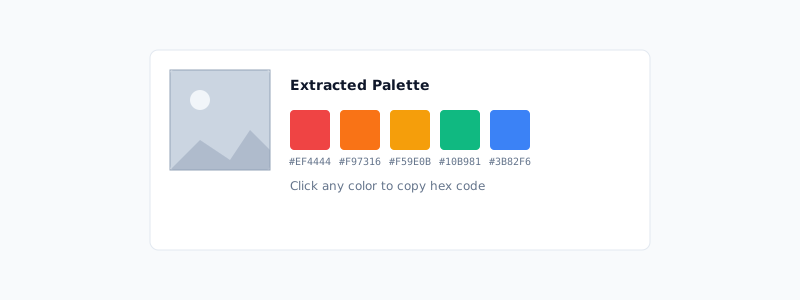
- Up to 5 colors: Identifies the most prominent colors in an image.
- Smart filtering: Removes very dark, light, and desaturated colors.
- Vibrancy sorting: Colors sorted by saturation and brightness.
Usage
- Visual palette bar: Shows color strip below image thumbnails.
- Click to copy: Individual palette colors copyable with single click.
- Hex output: All palette colors provided in hex format.