OCR & Image Processing
Text Recognition (OCR)
ClipKunda automatically processes images copied to your clipboard to extract text using the Vision Framework.
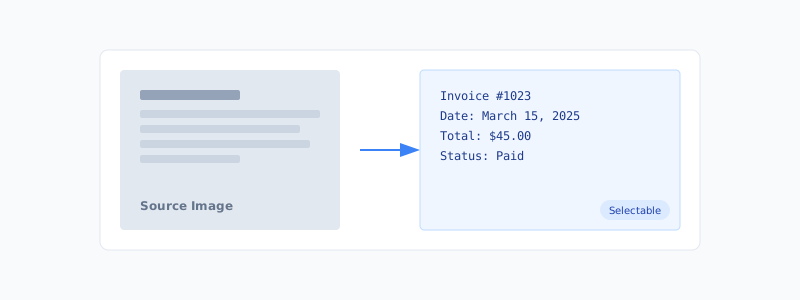
Key Features
- Accurate text recognition: High-quality text extraction from images.
- Language correction: Automatic spelling and grammar correction.
- Searchable text: OCR results are fully searchable in the app.
- Multiple languages: Supports English and is expandable to other languages.
- Error handling: Graceful fallback when OCR fails.
Screenshot Support
Manage your screenshots efficiently with automatic detection and enhanced metadata.
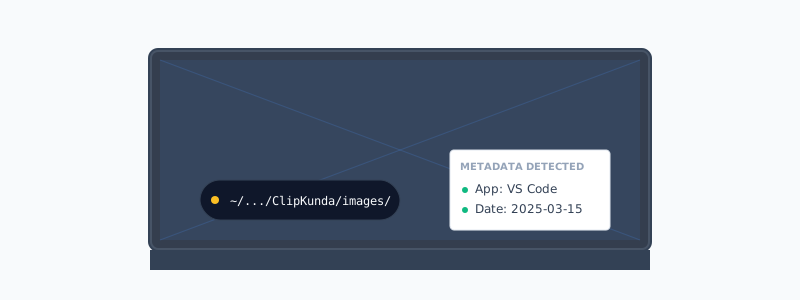
- Automatic detection: Captures system screenshots instantly.
- Format preservation: Maintains original image quality.
- Metadata extraction: Local analysis for image descriptions (when Local LLM is enabled).
- Timestamp labeling: Automatic dating of screenshots.
- File storage: Saved locally in:
~/Library/Application Support/ClipKunda/images/Image Processing
Optimized for performance and accuracy.
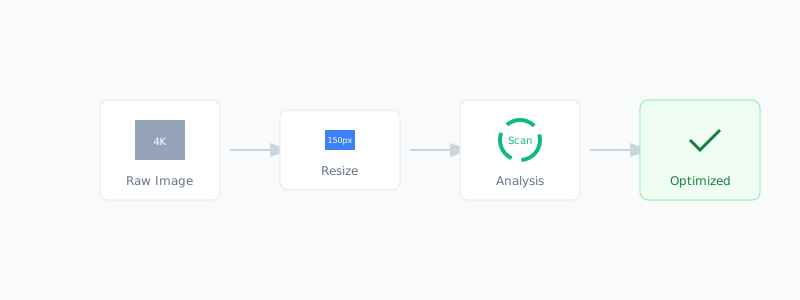
- Resizing: Optimized for color extraction (150px max for analysis).
- Sampling: ~10,000 pixel samples for large images.
- Caching: Smart caching to reuse loaded images.
- Transparent pixel filtering: Ignores fully transparent areas during analysis.